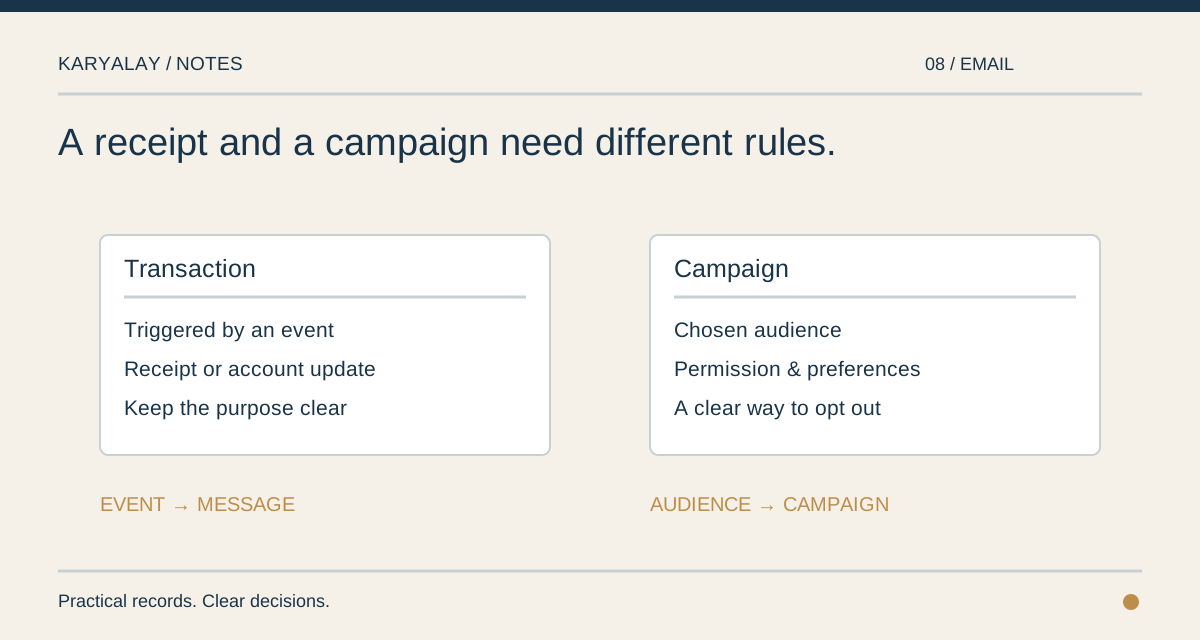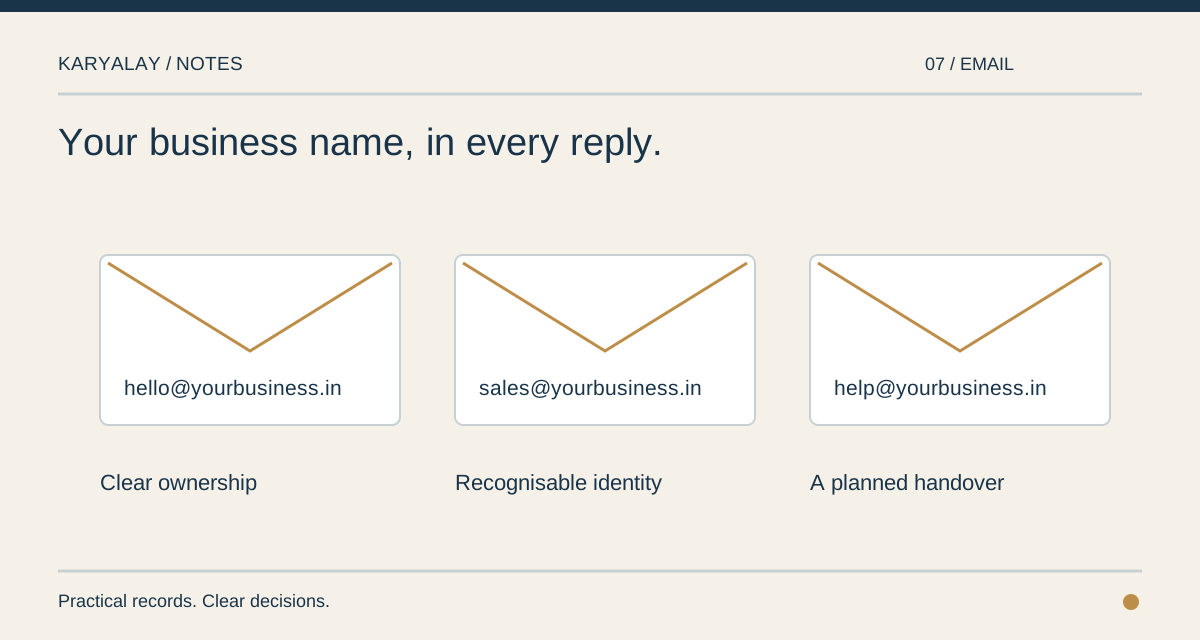
An address such as hello@yourbusiness.in has two parts to manage: the domain name and the mailbox. Paying for a mailbox does not settle who controls the name, and owning the name does not create an inbox. It helps to write down both responsibilities before moving important conversations.
Choose addresses for jobs as well as people. A personal mailbox is useful when a conversation belongs to one employee. A shared address such as sales@ or accounts@ describes a duty that will outlast a change in staff. Decide who can read and reply from each, and where a customer should write when a named person is away.
Treat access on a phone as a separate key. When a handset is lost or an employee leaves, you want to take back that device’s access without interrupting everyone else’s mail. Keep a simple list of who has access, including mail apps outside the browser.
Moving existing mail deserves a plan of its own. Decide what history must be retained, who will check that messages arrive at the new inbox, and which public addresses are printed on the website and documents. Do not change the name’s mail settings before you know where new messages should go.
The useful result is ordinary: a customer can write to the business, the right person can answer, and an address remains dependable when the person behind it changes.